Why we built a bot that joins your session (and not a Chrome extension)
An architectural decision with real consequences for the professional: how a virtual bot works and why we believe it is the right choice for clinical and HR sessions.
Months ago, before writing a single line of code, I faced a question that sounds technical but has deeply human consequences: how does CauceOS enter a session?
There were two possible paths. One was to build a browser extension, a plugin the professional installs in Chrome that listens to the session from their computer. The other was to build a virtual bot, a software participant that joins the video call from outside, as if it were another person in the room.
We chose the bot. And in this post I want to explain exactly why.
The problem with browser extensions
Browser extensions have the appearance of convenience: the professional clicks a button, the extension activates, and starts listening. Easy.
But that convenience has a cost.
Extensions are tied to a single browser. If the professional uses Firefox, they are out. If their institution blocks third-party extensions by IT policy (common in hospitals, universities, and enterprises) they are also out. If their client connects from a phone, the extension does not work on the client side.
Extensions break with every update. Chrome updates its extension API regularly. What worked in January may stop working in March. The team maintaining the extension has to chase every browser change, and the professional sees silent errors they cannot diagnose.
Extensions have limited access to audio. Browser audio APIs are designed for general cases, not high-fidelity clinical transcription. The quality of what an extension can capture depends on operating system configuration, the user's microphone, and a permission chain that changes with every OS version.
More importantly: extensions only listen from one side. The extension installed on the professional's computer captures the audio they hear, which includes the client's microphone mixed with their own. That creates diarization problems (knowing who is speaking) that are technically difficult to solve with reliability.
How a virtual bot works
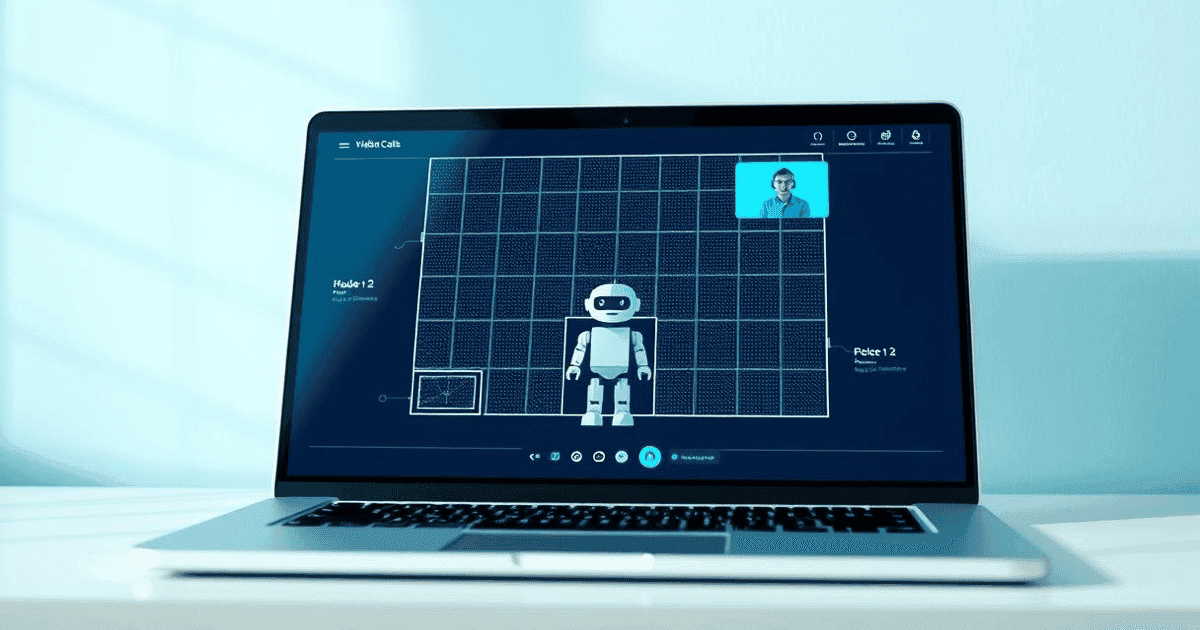
A virtual bot is, literally, a software participant. CauceOS joins a Google Meet or Microsoft Teams session as another assistant, with its own identity, its own connection, and its own ability to hear audio.
This changes everything.
The bot works on any platform the professional already uses. It does not matter whether you use Chrome, Firefox, Safari, or the Teams desktop client. It does not matter whether you are on Windows, Mac, or Linux. The bot connects from outside, as any other participant would.
The bot receives audio that is already mixed and separated by the platform. Enterprise video platforms process each participant's audio before distributing it. This means the bot can receive audio streams separately (the professional's stream and the client's stream) making diarization much more reliable.
The bot does not break when Chrome updates. The interface between CauceOS and video platforms does not depend on extension APIs. It depends on the meeting APIs the platforms themselves expose, which are more stable and designed specifically for integration use cases.
The bot is visible to all participants. This is not a limitation. It is a privacy advantage. The client knows an assistant is present. Consent is explicit. Nothing is hidden running in the background on the professional's computer.
The objection I hear most
"But the bot has to join every session. That is friction."
It is true there is one additional step: the professional creates the session in CauceOS, and the bot receives the invitation and joins automatically. It is not a step requiring active attention; the system handles it.
But that minimal friction buys something valuable: consistency. The same bot, with the same behavior, on any device, on any network, on any platform. For a professional running eight sessions a day, reliability is worth more than the apparent convenience of a plugin that fails silently on a Tuesday.
Assistance should be where the professional already works
The most fundamental reason we chose the bot is philosophical.
We do not want CauceOS to change the professional's workflow. We want it to integrate into it. The professional already has a video platform they use every day. They already have a meeting link they share with clients. They already have a process.
CauceOS enters that process as a silent assistant, one that listens, records, and alerts when necessary, without asking the professional to change the tool they use, the browser they prefer, or the way they connect.
Technology should adapt to the professional. Not the other way around.
If you have questions about how the bot works in real sessions (how it announces itself, how it handles consent, what it does with audio) write to us at [email protected]. We are in private beta and respond directly.
More in this category
ProductCauceOS · Newsletter
Get the next notes straight to your inbox
Reflections, practices, and updates from CauceOS. No spam. Unsubscribe anytime.
Keep reading
 Product
bilingual
How the bilingual co-pilot works (and why it matters for your next session)
A clear, jargon-free explanation of how CauceOS assists you live when two people speak different languages in the same session.
 Product
launch
Welcome to CauceOS: the operating system for conversations that matter
Today we open the doors of CauceOS, a bilingual live co-pilot for psychologists, therapists, HR professionals, and coaches. Here is what we are building, and why.
 Product
transcription
The difference between transcription and clinical comprehension
Transcription solves an audio problem. Clinical comprehension means knowing which phrases matter, which signals indicate risk, and which therapeutic modality illuminates what is being said. They are not the same thing.